Streaks
A streak is days in a row with at least one entry, using the local date on your phone. It stays active if you wrote today or yesterday.
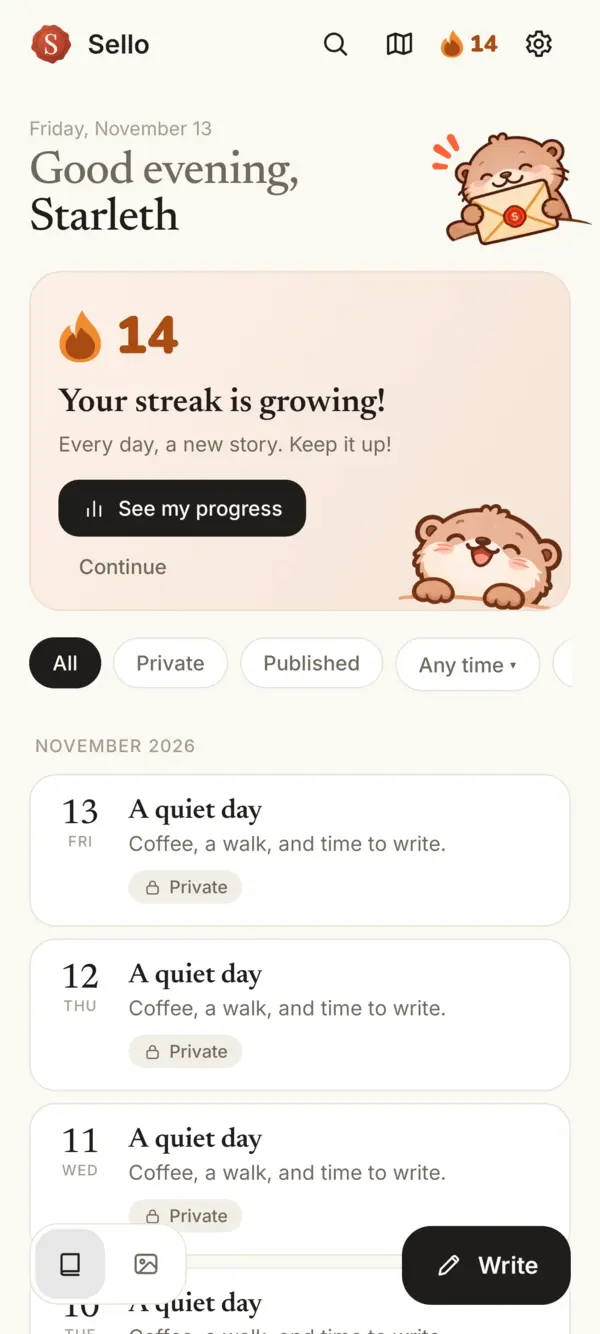
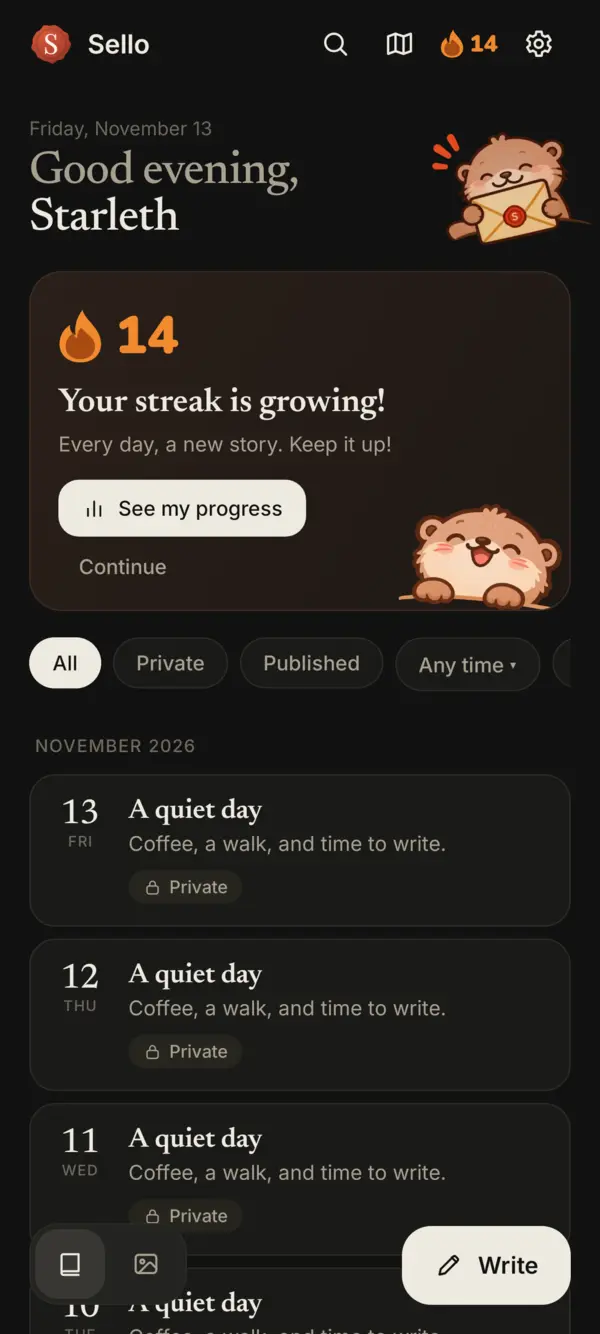
- Look for the flame in Home’s top bar. The number beside it is your current streak. Its color changes as it grows: red at first, orange from 10 days, yellow from 30 and blue from a year.
- Tap it to open Your journal. You’ll find your current and longest streak there.
- Celebrate a milestone. On days such as 3, 7, 14 or 30, after you’ve written that day, Kawa’s card appears on Home. Tap See my progress or Continue.
Recover a streak
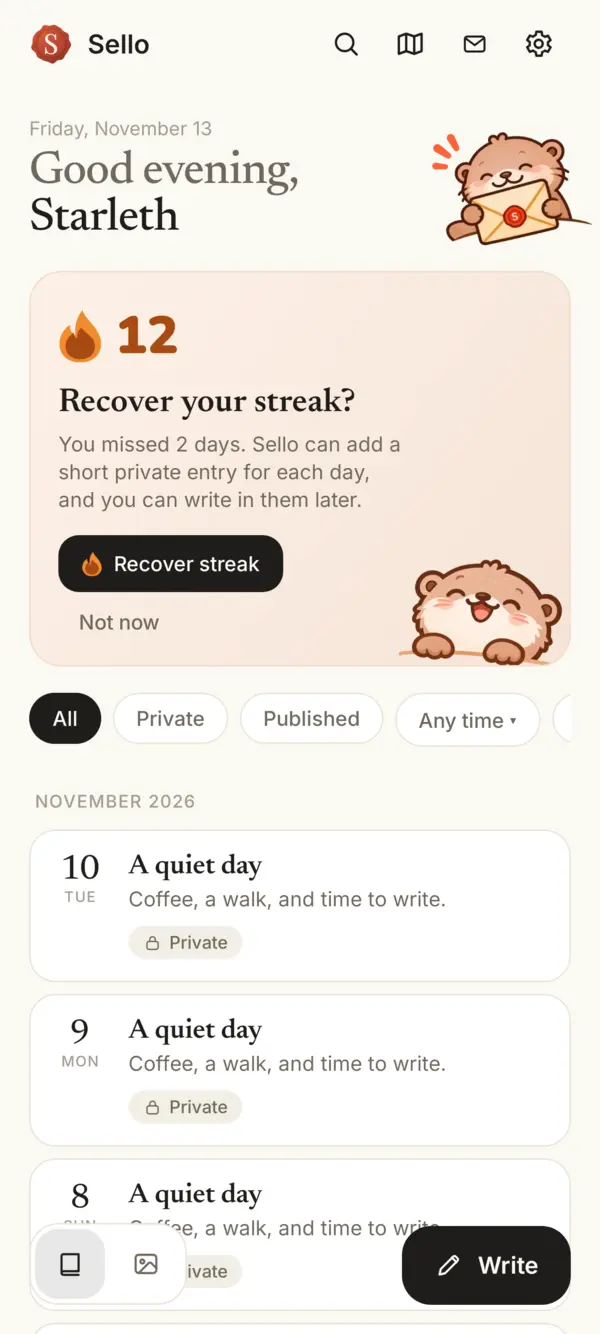
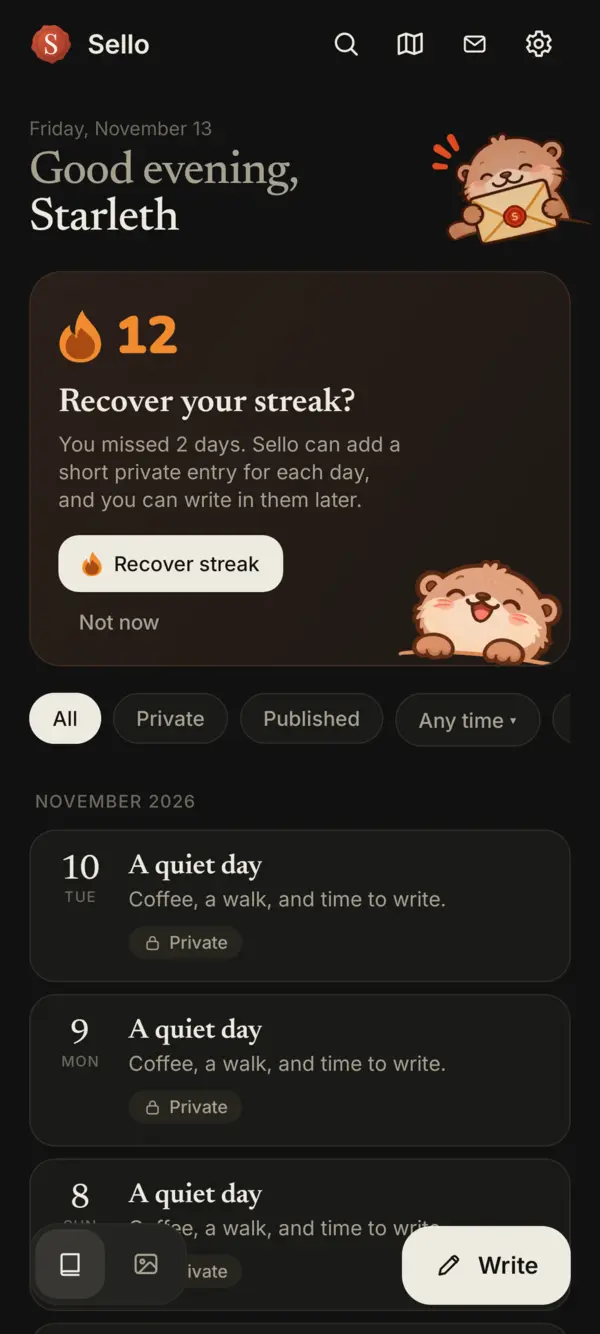
If a streak of at least two days breaks, Home can offer Recover streak. The gap must be at most seven missed days, with the last missed day within the past seven days, even if you’ve already started writing again. The card appears once a day, on at most three days per calendar month; Not now closes it for today.
Tap Recover streak to add a short private entry for each missed day, dated at noon local time. You can write in those entries later. Deleting them can break the streak again.
Keep it optional
At the end of Your journal, turn off Show streak to hide the flame, streak counts and cards, and stop streak reminders on this phone. Nothing is lost: turn it back on and your entries still count, including days you wrote while it was off.
In Settings, Streak reminders is optional: a reminder at 7 p.m. local time if your last entry was yesterday. It stops when the streak ends. The separate weekly writing reminder keeps its own setting.
Streaks are computed on your phone from your entry dates. The server never knows your streak.
Something missing or unclear? Write to us.