Create your journal
Sello lives on your phone: it holds the key that opens your private entries. Setting it up takes a minute.
Before you start: an Android phone or an iPhone with a screen lock (fingerprint, face or PIN on Android; Face ID, Touch ID or passcode on iPhone). Sello uses it to keep your key safe.
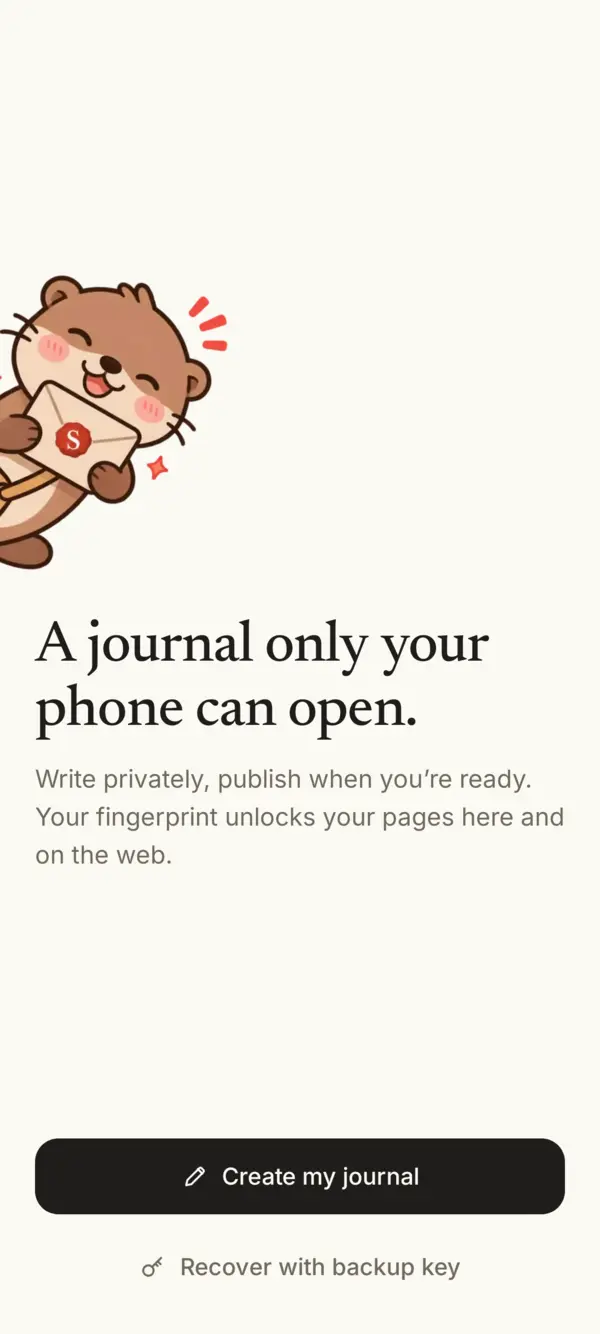
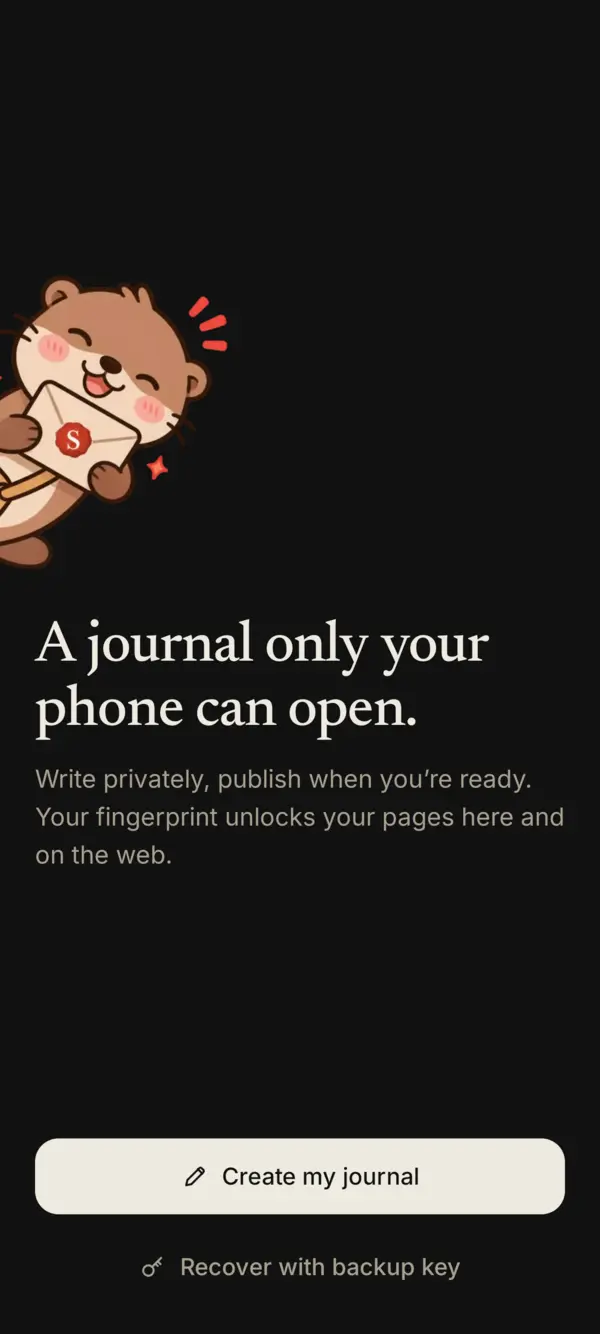
- Install Sello from Google Play or the App Store and open it. Tap Create my journal.
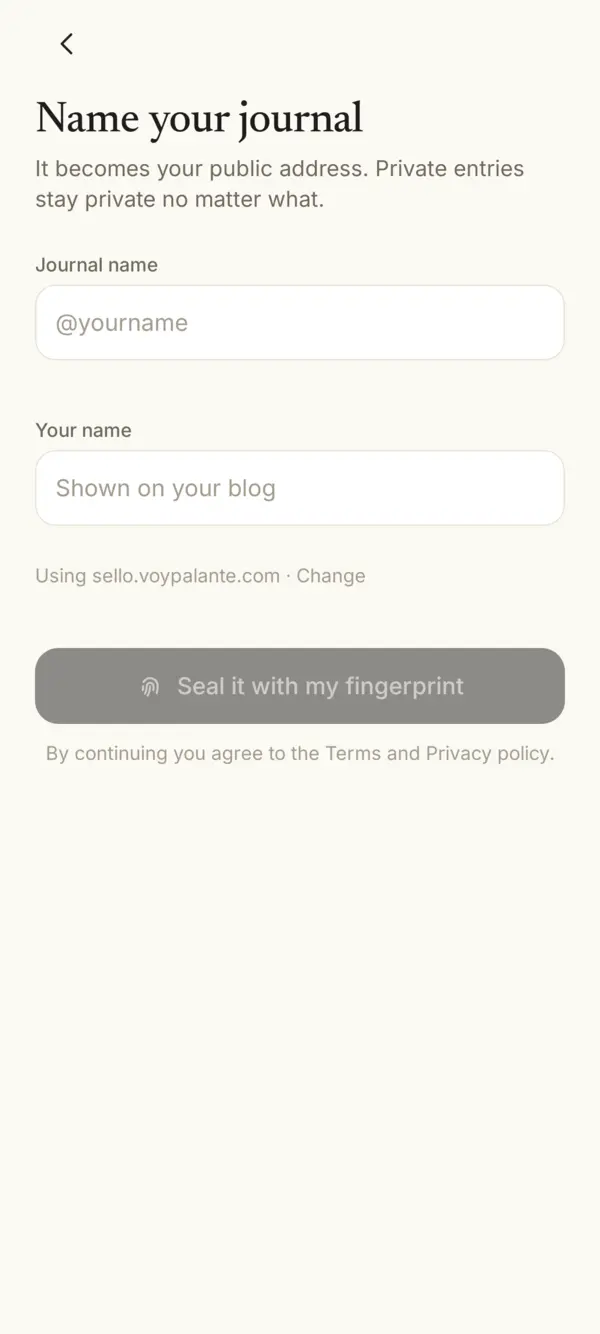
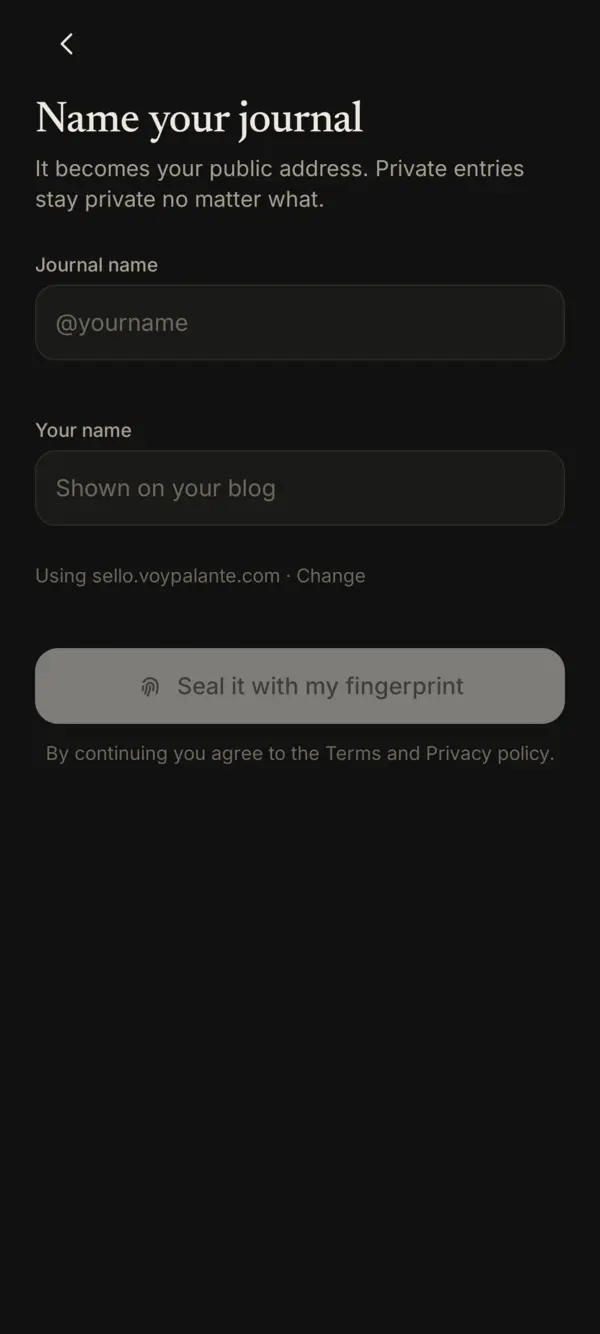
- Name your journal. The journal name becomes your public address, like
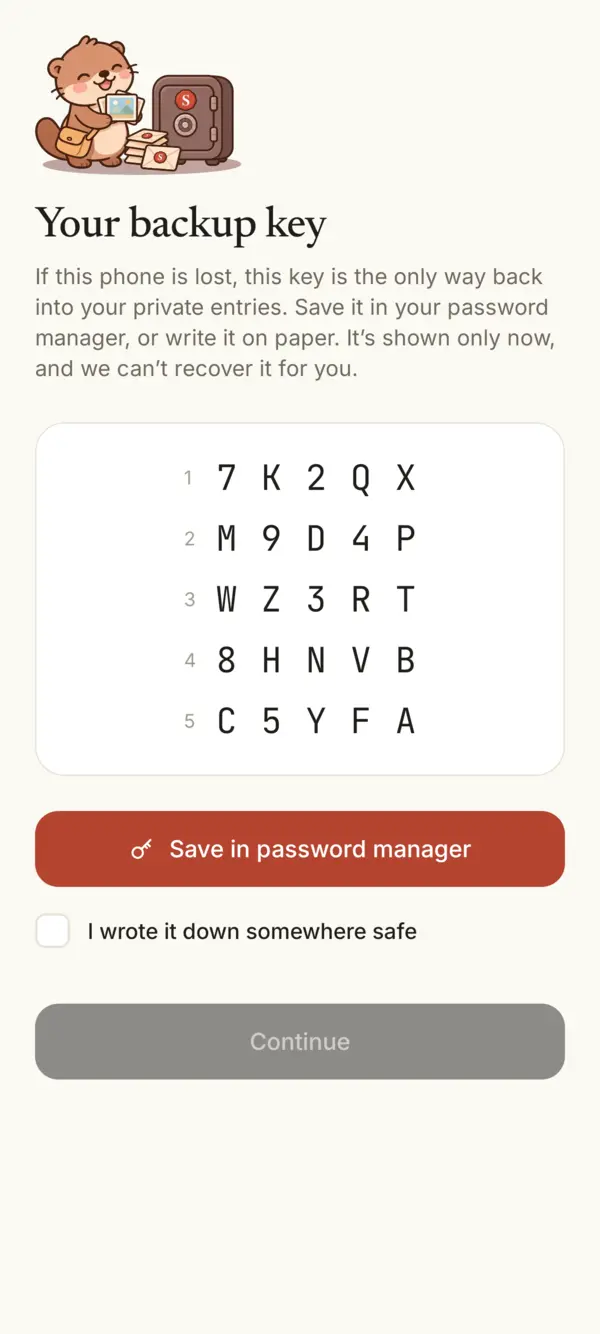
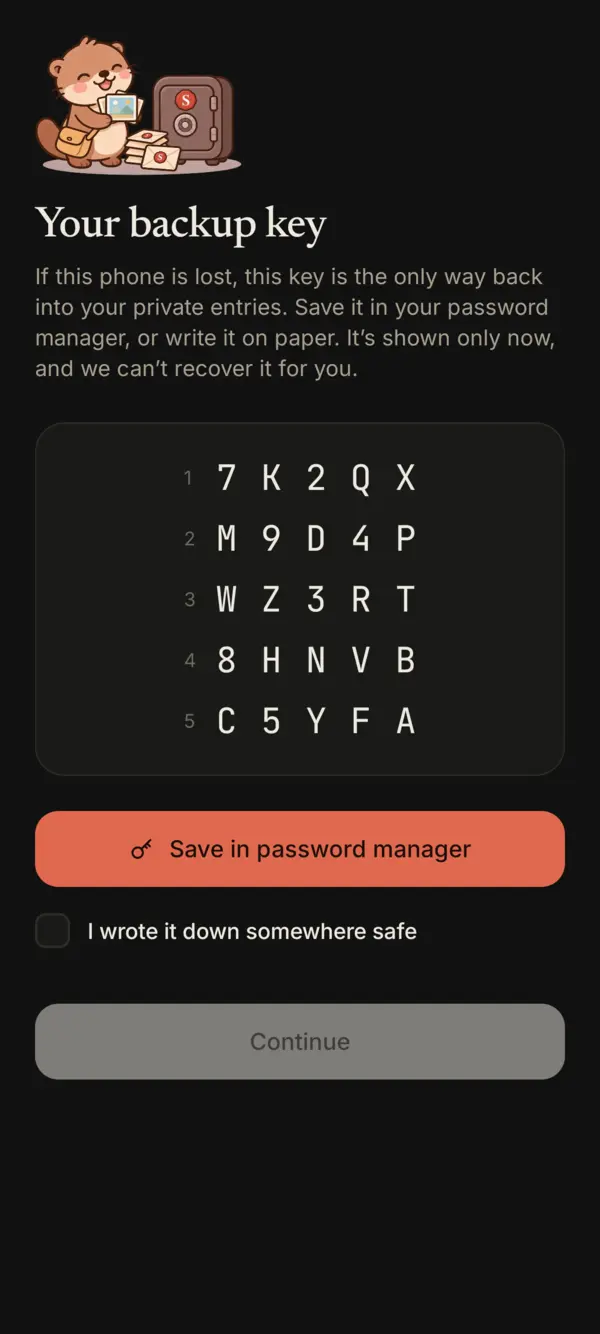
sellojournal.com/yourname. Your name is what readers see on your blog. Private entries stay private no matter what. Tap Seal it with my fingerprint (on iPhone, Seal it with Face ID or Touch ID). - Save your backup key. It’s the only way back into your private entries if you lose this phone. How to keep it safe.
- Start writing. Tap Write. Every entry is private until you choose to publish it.
On a computer
Once your journal exists, you can also write from a computer at sellojournal.com. Your phone approves each sign-in: compare the number on both screens before you approve.
Something missing or unclear? Write to us.